Subtotal ₹0.00

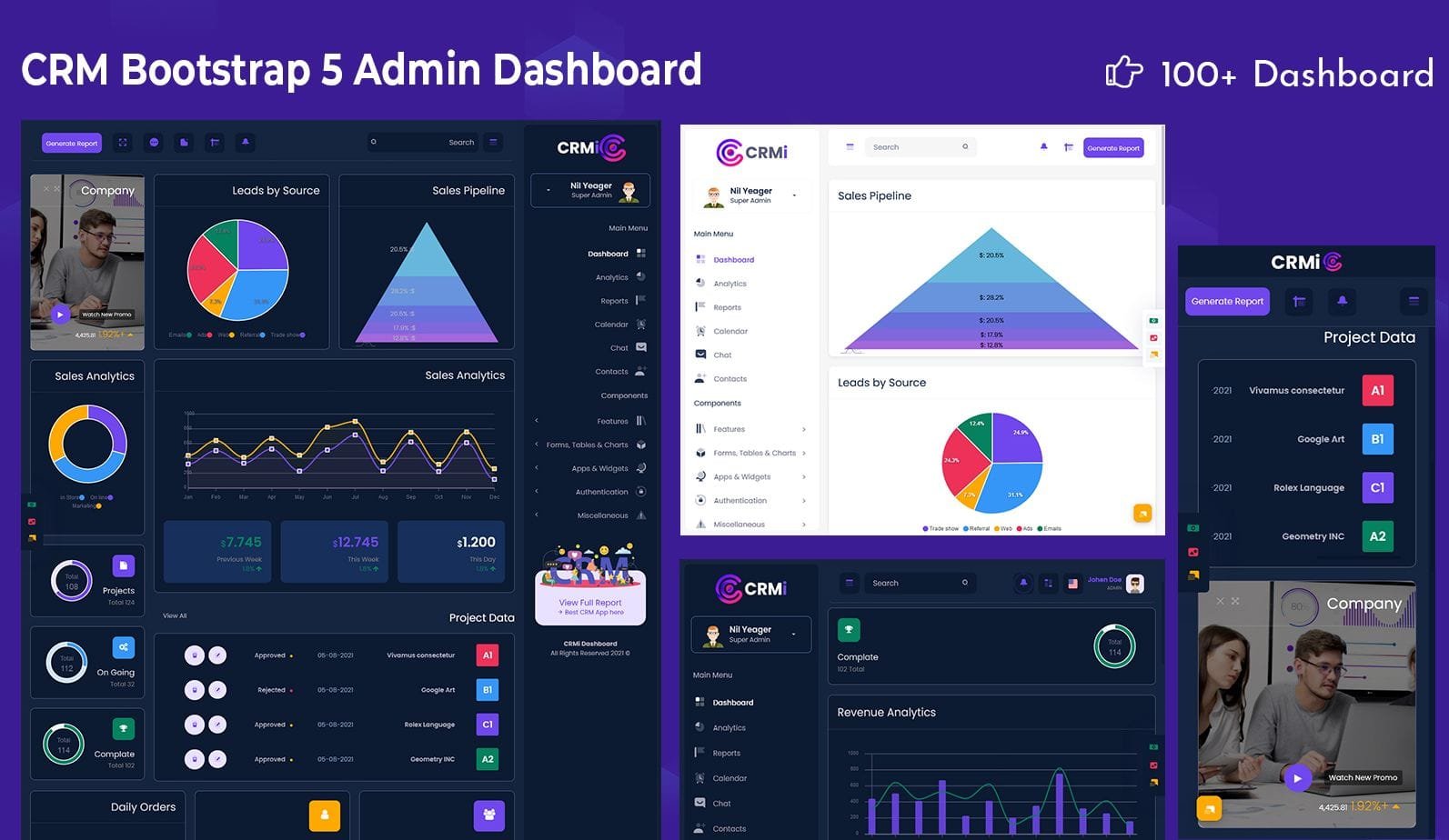
Dive into a complete walkthrough of SmartCRM’s project dashboard and features. Learn how SmartCRM can streamline project management and team workflows for agencies, startups, or even corybant-style teams.
Why SmartCRM Dashboard Matters
When you are in charge of several clients, projects, tasks, and team members, it is very easy for the whole thing to get out of hand. That is the main reason why a robust dashboard in any CRM system is important. Everything is kept in order with SmartCRM under one roof: projects, tasks, teams, finances, and what not.
What would happen if your team like Growbeint or an agency of the same kind was to manage a numerous amount of projects, deliverables, and deadlines? The answer is simple — you would not be able to do without the SmartCRM dashboard in your daily routine as it would become your daily hub. It tells you what is going on at the moment, what is coming up, and what is overdue — all in one place.

What SmartCRM Offers — Dashboard & Key Modules
Let us look at the breakdown of main modules & features of SmartCRM according to their official information.
Core Modules
SmartCRM has the capacity to handle different modules that allow you to manage various aspects of your business from one panel. Depending on the plan, these may include:
Tasks
Notes
Meetings
Chat / internal communications
Todos
Contracts
Payslips
Finance
This modular system makes it possible for you not only to handle the projects of your clients but also the internal operations of your team (meetings, payslips, contracts) thus turning it into a valuable tool for small companies, agencies, or remote teams.
Dashboard & Analytics
The main feature of SmartCRM is its powerful dashboard. It is from here that you get an overall view of your projects, clients, orders, invoices, and team activity.
Features include:
Quick access to all active projects
Summary of tasks and to-dos (pending, completed, overdue)
Notifications for meetings, reminders, payments
Client and invoice overviews
Order and quotation management — all from one place
This implies that there is less switching between different tools — everything is done in SmartCRM.
Client, Orders & Financial Management
SmartCRM is not a mere instrument of task management — it is additionally a great help in handling business operations from start to finish: clients, orders/quotations, invoices, payments.
Create and manage client profiles
Generate quotations and convert them to orders
Issue invoices and track payments/receivables
Maintain logs of client history, order status, payment history — all organized
Such financial and client management integrated directly into CRM is a great relief for the teams who would otherwise be forced to use separate billing software or messy Excel sheets.
Team Collaboration & Communication
Internal communication is the lifeblood of project-based businesses. SmartCRM embraces the idea and provides the following tools: chat, notes, meeting scheduling — all these features are there to enable team members to work together within the CRM.
Assign tasks, monitor the progress of each, write notes on projects or clients, set reminders, schedule meetings — and all this is available to those who are involved.
How a Growbeint-Style Team Can Use SmartCRM Dashboard
What if you were running an agency or a startup that was similar to what “Growbeint” might be representing — the business providing digital solutions, content, client management, HR, or projects? SmartCRM would be a perfect fit. Here is how such a team can benefit day-to-day:
Day-to-Day Workflow Example
Login & Dashboard Check – The very first thing in the morning, one should check the dashboard: tasks to be done today, meetings scheduled, invoices/payments waiting to be done.
Assign & Manage Tasks – Insert new tasks or to-dos, assign them to the appropriate team members, set up the time of completion.
Client/Project Handling – Generate or access a client file; monitor project progress, orders, payments.
Quotation → Order → Invoice Flow – The moment a client gives green light to a quotation, it is transformed into an order; the next step is to invoice and then record the payment — all this process is done within the CRM.
Internal Communication & Collaboration – Collaborate with team members through chat and notes; coordinate meetings or follow-ups.
Finance & Payroll (if applicable) – Handling internal finance/payslips activities, if the team has payroll or contracts requirements.
Reports & Overview – Time to end the day or even the week is perfect to go through the dashboard analytics: pending tasks, orders, payments, project statuses, team workload.
This streamlined flow saves time, reduces manual mistakes, and keeps everyone on the same page.
Plans & Flexibility — Choose What Fits
SmartCRM offers multiple plans depending on your needs.
| Plan Level | Example Limits | Modules Included |
|---|---|---|
| Starter | ~100 projects, ~100 clients, ~10 team members, 2 workspaces smartcrm.in | Tasks, Notes, Meetings, Chat, Todos, Contracts, Payslips, Finance |
| Standard / Professional / Enterprise / Ultimate | Higher limits (500 to 100,000+ projects/clients/teams/workspaces) smartcrm.in | Same core modules |
SmartCRM holds several plans for you to choose from depending on what you are in need of.
The same core modules
This spectrum of possibilities is what makes it accessible for small agencies/startups, as well as for growing companies that have a plan to scale.
Why SmartCRM Dashboard Helps Teams & Businesses Grow
Regular use of SmartCRM unveils a number of key benefits:
Time saving & reduced manual work — There is no need for several spreadsheets or separate invoicing/billing.
Better visibility & coordination — The dashboard provides instant clarity: tasks, clients, orders, payments, projects all visible.
Enhanced collaboration & accountability — Team members, managers — everyone sees tasks and progress.
More professional workflows — The Quotation → Order → Invoice flow is a structured sales & operations process.
Can be scaled with business growth — When the team or client base gets bigger, the SmartCRM plans can be upgraded accordingly.
Cost-effective for small & medium teams — The Starter plan, as an example, offers core functionality for small teams or agencies.
In a “Growbeint” style setup — where you are in charge of clients, content, HR, projects, and collaboration — SmartCRM is there to provide a complete backbone without causing any confusion.
How to Get Started With SmartCRM
Step 1. Get the details of the plans and register on smartcrm.in.
Step 2. Choose the plan that best suits your team size and project/client workload at the moment.
Step 3. Prepare your work environment: invite team members, add clients, create projects.
Step 4. Configure the modules you require (tasks, finance, chat, etc.).
Step 5. Begin working with the dashboard — create projects, share tasks, handle clients, make quotes and invoices.
Getting your operations off the ground is a breeze — no complicated setup or long learning curve.
Final Thoughts
If you are running a small to medium company, an agency, or a team like growbeint — which is a bit of a juggling act with multiple projects, clients, billing, and team collaboration — then SmartCRM is an excellent choice of a tool.
Its project dashboard is more than just a ‘nice-to-have’ feature — it is actually the central command center for your whole workflow: tasks, clients, orders, finances, communication, and growth plans.
Making a move from scattered spreadsheets, chats, emails, and manual billing to one well-organized CRM can be a real time saver, error reducer, clarity enhancer and a means by which your team can confidently grow.
Are you looking for a way to simplify your work and grow smarter?
If so, then SmartCRM could be just the backbone your team needs.
