Subtotal ₹0.00

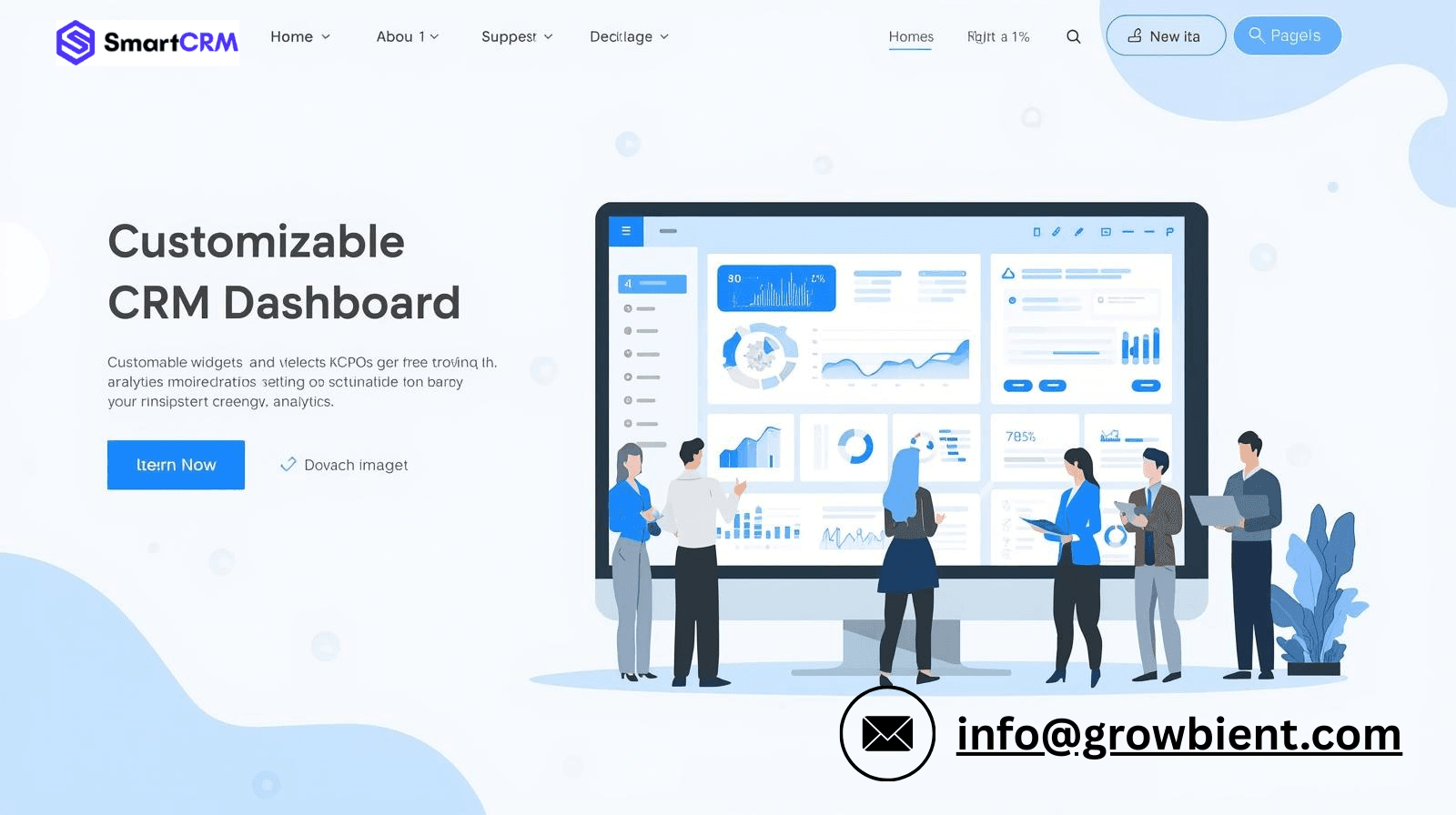
In today’s rapidly changing business world, having the right information at the right time is essential. A generic dashboard can lead to clutter, confusion, and inefficiency. This is where the dashboard customization capabilities of SmartCRM truly shine. With SmartCRM, businesses can customize their dashboards based on roles, priorities, and workflows, so that each user gets to view what matters most to them.
Created by Growbient, SmartCRM is built to provide flexibility, clarity, and control – all in one dashboard. Whether you are handling sales, operations, HR, or project management workflows, SmartCRM enables you to create a dashboard that functions just the way your business does.
Why Dashboard Customization is Important in a CRM
The dashboard in a CRM system is the command center of your business. With customizable dashboards, teams can:
* Concentrate on important KPIs
* Save time looking for information
* Boost productivity and make better decisions
* Avoid unnecessary distractions
SmartCRM realizes that a sales manager, an HR professional, and a business owner require entirely different sets of information.
SmartCRM Dashboard Description
The SmartCRM dashboard is a business activity monitoring system that includes leads, tasks, projects, follow-ups, reports, and performance. The dashboard is designed with customization features that do not require technical knowledge.
The SmartCRM Master Panel allows access to the dashboard. The dashboard provides real-time monitoring across all departments with simplicity.

SmartCRM Dashboard Customization Options
1. Role-Based Dashboard Views
SmartCRM enables the customization of dashboards according to user roles. This helps ensure that employees view only the data that is relevant to their role.
Examples:
Sales teams view leads, conversions, and follow-ups
HR teams view employee tasks and attendance
Managers view performance and deadlines
The role-based method of dashboard customization enhances focus and security in the CRM.
2. Custom Widgets & Data Blocks
SmartCRM enables users to add or delete widgets such as:
Lead status reports
Task completion reports
Revenue and performance reports
Project timelines
Users can reorganize the widgets to ensure a clean and organized layout. This enables teams to create dashboards that help them in their day-to-day activities.
3. Real-Time Performance Tracking
The SmartCRM dashboard is updated in real-time, and this means that businesses can monitor performance in real-time. Some of the most important aspects of performance, such as lead flow, task completion, and team performance, are always up to date.
4. Personalized Layouts for Better Usability
Each user has the ability to personalize their dashboard layout according to their preferences. From section reorganization to focusing on key information, SmartCRM makes the dashboard feel intuitive and user-friendly.
Personalized layouts eliminate cognitive overload and increase productivity.
5. Visual Reports & Analytics
SmartCRM provides visual representation of data through charts, graphs, and summaries. These visual representations help to simplify complex data for better analysis.
Managers can easily analyze:
Team performance
Sales analysis
Task efficiency
Business growth analysis
This functionality helps to make data-driven decisions within the organization.
6. Seamless Integration with CRM Modules
The SmartCRM dashboard is seamlessly integrated with all CRM modules, such as:
Leads and client management
Task and project management
Notes, files, and attachments
HR and employee management
This integration helps to ensure that the data on the dashboard is accurate and up-to-date.
Benefits of SmartCRM Dashboard Customization
There are many benefits of using the SmartCRM dashboard customization features:
Increased productivity with targeted data analysis
Informed decision-making with real-time data analysis
Improved user experience for all teams
Less manual reporting work
Flexible dashboard layout that scales with business growth
These reasons make SmartCRM the best CRM software for startups, SMEs, and small businesses.
Why Choose SmartCRM by Growbient
SmartCRM is developed with flexibility and scalability in mind. As a product of Growbient, SmartCRM is designed to evolve with changing business needs and stay user-friendly.
With SmartCRM, businesses can:
Have a powerful and easy-to-use CRM software
Customize dashboards as per business needs
Manage all business workflows from a single place
Enjoy robust support and regular improvements
Conclusion
The need for dashboard customization has shifted from being a “nice to have” to a “need to have.” With the dashboard customization capabilities of SmartCRM, businesses can now have clarity, control, and efficiency in all their operations. With the ability to customize dashboards to fit individual roles and operations, SmartCRM makes sure that all business decisions are made with relevant data in real-time.
If you are looking for a solution to make your operations more streamlined and have better visibility into your business, SmartCRM by Growbient is the solution for you.
Visit SmartCRM today at https://smartcrm.in/ and experience the power of smarter dashboard control.
