Subtotal ₹0.00

Introduction
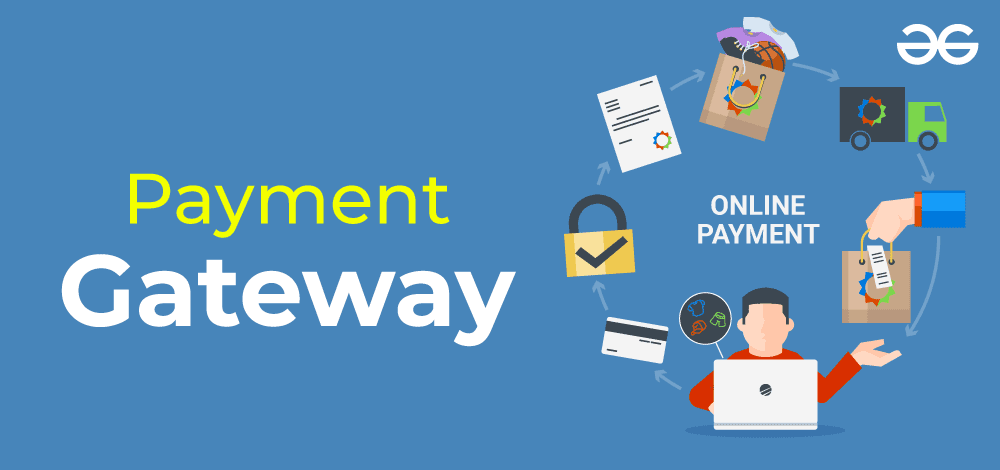
If you run a business in India or any other country and want to reach global customers, accepting international payments in major currencies like USD, GBP, and EUR is essential. Whether you sell digital services, products, or subscriptions, offering multi-currency payment options builds trust, convenience, and higher conversions.
In this article, we’ll guide you through how to accept foreign payments online, the best international payment gateways, and important legal and compliance factors to keep in mind.
💡 Why Accept International Payments?
Accepting global currencies isn’t just about convenience—it’s a growth strategy.
Key Benefits:
- 🌎 Expand your business to global markets.
- 💵 Let customers pay in their preferred currency (USD, GBP, EUR, etc.).
- 💰 Reduce cart abandonment and increase conversions.
- 🔒 Gain credibility with secure, verified gateways.
🔹 Step-by-Step: How to Accept USD, GBP, and Euro Payments on Your Website
Step 1: Choose the Right International Payment Gateway
To process foreign transactions, you’ll need a gateway that supports multi-currency payments and cross-border settlements.
Some of the top options in 2025 are:
- PayGlocal – Tailored for Indian merchants, supports 100+ currencies with direct settlement in INR or foreign currency.
- Razorpay International – Lets you accept payments in 100+ currencies with automatic conversion.
- Stripe – Global leader for cross-border payments, supports 135+ currencies.
- PayPal – Ideal for freelancers and small businesses; customers can pay directly from their PayPal account.
- CCAvenue International – Supports 27 major currencies and provides dynamic currency conversion.
Step 2: Enable Multi-Currency Checkout
Your website or e-commerce platform must allow customers to view prices and pay in their own currency.
If you use:
- WooCommerce / WordPress: Use plugins like WooCommerce Multi-Currency or Razorpay for WooCommerce.
- Shopify: Enable multi-currency via Shopify Payments or add gateways like PayGlocal or Stripe.
- Custom Website: Integrate via API using SDKs provided by your payment gateway.
Step 3: Complete KYC and Compliance
For Indian merchants, international payment processing requires compliance with RBI and FEMA guidelines.
You’ll need:
- Valid business registration (GST, PAN, etc.)
- Export category (for digital or physical goods)
- FIRC or advice note for foreign remittances
Your payment gateway provider helps you handle these requirements automatically.
Step 4: Integrate and Test Your Gateway
Integration can be done via:
- Hosted Checkout: Redirects customers to a secure payment page.
- API Integration: Provides a fully customized checkout on your site.
- Plugins: Quick setup for WordPress, Shopify, or Magento.
Test transactions using sandbox mode to ensure proper currency display, conversion rates, and success callbacks.
Step 5: Manage Settlements and Currency Conversion
Gateways handle conversions automatically, settling the amount in your preferred currency (usually INR for Indian merchants).
For example:
- A $100 USD payment may settle as ₹8,200 (after conversion and gateway fees).
- Some gateways like PayGlocal and Stripe also allow direct USD settlement to your foreign currency account.
🔒 Security & Fraud Prevention Tips
When accepting international payments:
- Always use SSL encryption on your site.
- Enable 3D Secure and tokenization.
- Monitor for chargebacks and use fraud detection tools.
- Verify gateway PCI DSS compliance.
💰 Fee Structure (Typical Range)
| Gateway | Currency Support | Transaction Fee | Settlement Time | Notes |
|---|---|---|---|---|
| PayGlocal | 100+ | 3%–3.5% | T+3 days | Best for Indian merchants |
| Razorpay International | 100+ | 3% | T+5 days | Automatic currency conversion |
| Stripe | 135+ | 2.9% + 30¢ | T+2 days | Global standard |
| PayPal | 25+ | 4.4% + fixed fee | T+7 days | Easiest for freelancers |
| CCAvenue | 27+ | 3%–4% | T+3 days | Enterprise-friendly |
🧭 Best Practices for Global Payment Success
- Show prices in local currencies for international users.
- Use clear refund policies and mention currency conversion fees.
- Offer multiple gateways to increase transaction success rate.
- Keep your payment page mobile-friendly and fast-loading.
🏁 Conclusion
Accepting USD, GBP, and Euro payments is no longer complex. With the right international payment gateway—such as PayGlocal, Razorpay International, or Stripe—you can securely accept payments from anywhere in the world and scale your business globally.
Start today by integrating a reliable multi-currency payment system and watch your international customer base grow.
📞 Contact Us
💬 Need help setting up international payment gateways like Razorpay, PayGlocal, or Stripe?
👉 Contact us today for seamless global payment integration.
