Subtotal ₹0.00

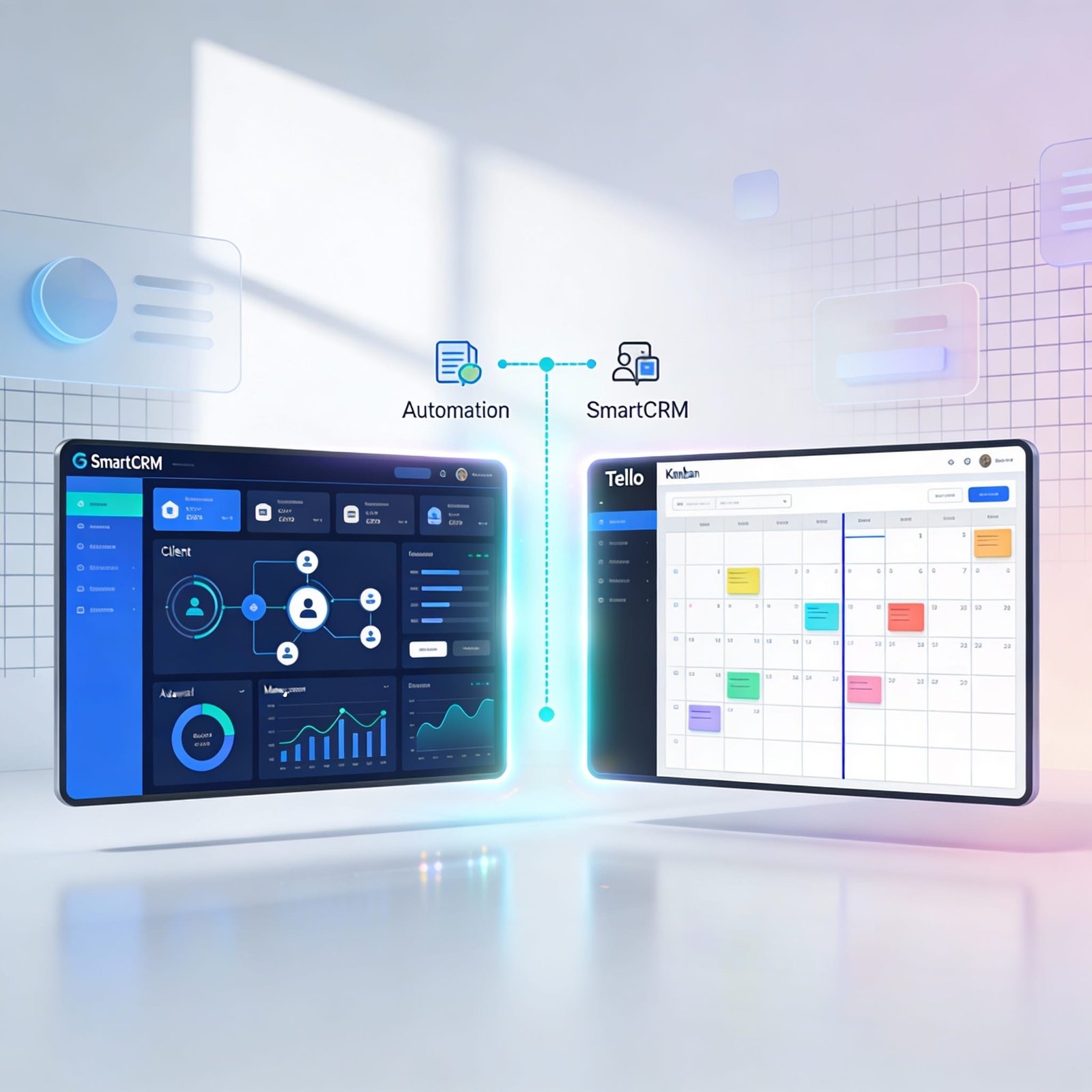
Teams of any size in the highly competitive business environment of today are gradually resorting to various digital tools to keep up with their work in an efficient manner. The use of Trello has become widely accepted as a means of merely following up on tasks and projects, while a platform such as SmartCRM (by Growbeint) is providing a wider range of features that help businesses to manage customers, projects, communication, automation, and other activities.
However, the question most often posed to us by teams when deciding on a platform is:
SmartCRM vs Trello which one is better?
We will compare both tools side by side in this blog so that you can take a decision that satisfies your business needs.
What is Trello?
Trello is a visually, oriented task management platform that mainly utilizes Kanban, style boards. Users may utilize the program to make boards, lists, and cards depicting tasks and the flow of work. Groups are able to drag and drop cards, add checklists, labels, due dates, and collaborate with each other in a straightforward and user, friendly interface.
Trello is generally chosen because of the following reasons:
It is user, friendly and visual
Perfect for making personal to, do lists
Suitable for small teams to keep track of projects
However, although Trello serves well in showcasing tasks, it does not have the functionalities of a deeper business or customer management system.
What Is SmartCRM?
SmartCRM is a feature, rich CRM (Customer Relationship Management) application made by Growbeint. In addition to simple task tracking, SmartCRM has all the features necessary to manage:
Clients and contacts, Projects and tasksLeads and sales pipelines, Payments, invoices and quotations, Team communication, Analytics and reporting, Workflow automation.
SmartCRM is a far more comprehensive system that is geared towards handling business operations, rather than just being a simple task board.

Feature Comparison: SmartCRM vs Trello
Let’s break down how each tool compares across key areas.
1. Project & Task Management
Trello:
Trello is good for lightweight task management. With its board/list/card model it is very intuitive to represent the flow of the work such as “To Do”, “In Progress”, “Done”.
Pros:
Very simple UI
Drag, and, drop control Check lists and attachments
Cons:
Not designed for complex workflows No resource or time tracking Limited automation without add, ons
SmartCRM also manages tasks but in a project environment with a more detailed hierarchy.
Pros:
Tasks linked with projects and clients Setting priority and dependencies of tasks Time tracking and analytics Advanced filters and reporting
Cons:
Compared to Trello, there is slightly a learning curve
Winner: SmartCRM for businesses that want structure + scalability.
Trello is good for simple boards, but SmartCRM handles real project complexity.
2. Client/Contact Management Trello:
Trello:
Trello lacks internal CRM capabilities. While users may insert custom fields or power, ups to store contact information, these options are neither native nor robust.
SmartCRM:
SmartCRM is a leader in this aspect. It offers specifically designed modules for:
Customer profiles Contact information Communication records Lead management Sales pipeline management SmartCRM integrates customer information with operational processes.
Winner: SmartCRM Real business use with built, in CRM features.
3. Automation & Workflows
Trello:
Trello has an automated feature called Butler (which is their automation tool), that can perform some actions based on rules like moving cards, setting due dates, and sending reminders.
Limitation:
Automation is elementaryAdvanced workflow chains are more difficultThere is limited access without a premium subscription
SmartCRM:
SmartCRM does not just rely on simple board logic, it also provides workflow automation that is linked to business processes. You are able to automate:
Lead assignments Email triggers Task reminders Payment follow, up’s Status transitions Business automation through SmartCRM helps to lower the manual workload and also improves the business operations consistency.
SmartCRM Better in, built automation specifically made for business processes.
4. Sales & Revenue Tracking
Trello:
Trello does not have sales tracking as a native feature. Users need to connect with external applications or create custom systems which can be inconvenient.
SmartCRM:
SmartCRM is equipped with features that facilitate sales:
Lead capture Deal pipelines Quotations and orders Invoicing and payment tracking Revenue analytics One of the advantages of SmartCRM is that it links sales data with client and project data to give a holistic view.
SmartCRM Trello is just not designed for sales and revenue workflows.
5. Team Collaboration
Trello:
Trello offers the following:
Comments Mentions File attachments Basic notifications. These features work well for smaller teams but cannot be extended to company, wide workflows.
SmartCRM:
SmartCRM comprises the following:
Team chat and internal notes Project discussion threads Mentions + role, based messages Client communication logs Shared dashboards
SmartCRM — More comprehensive collaboration.

6. Analytics & Reporting
Trello:
Trello is a tool that offers only a few insights. Its users can have access to activity logs and a few statistics through power, ups.
SmartCRM:
The software SmartCRM comes with comprehensive analytics dashboards for:
Project progress reports
Team performance
Financial and revenue trends
SmartCRM — A clear advantage for business analytics.
When Trello Might Be Enough
Trello is awesome in case:
You want a simple task board Its just you or a small team. Your workflows are not very complex. You dont need CRM or sales tracking Trello is a visual and simple tool, but it is not designed to be a business operating platform.
When SmartCRM Is the Better Choice
SmartCRM is the right choice if you:
Manage clients and leads Perform sales, orders, and invoicing Require automation that is linked with business workflows Wish for analytics and performance insights. Have a team that collaborates on complex tasks SmartCRM is a complete CRM + business workflow platform, a step beyond just a task board.
Pricing & Value Considerations
Trello:
- Basic boards with the free tier
- Power, ups and automation available in paid plans
- Limited CRM functionality without integrations
- Integrated CRM + project + sales + analytics
- Automation is part of the package
- It can grow with your business
- You don’t have to buy several tools
The worth of the product is contingent on your requirements: a simple one or a big
Final Verdict: SmartCRM vs Trello
Both tools are excellent in their own right, but they serve different purposes.
| Feature | Trello | SmartCRM |
|---|---|---|
| Basic Task Management | ✅ | ✅ |
| CRM (Customer Management) | ❌ | ✅ |
| Sales & Invoicing | ❌ | ✅ |
| Workflow Automation | Limited | Advanced |
| Team Collaboration | Moderate | Extensive |
| Analytics & Reporting | Basic | Comprehensive |
SmartCRM — A complete CRM and business platform built by Growbeint that gives you more power than a simple board.
